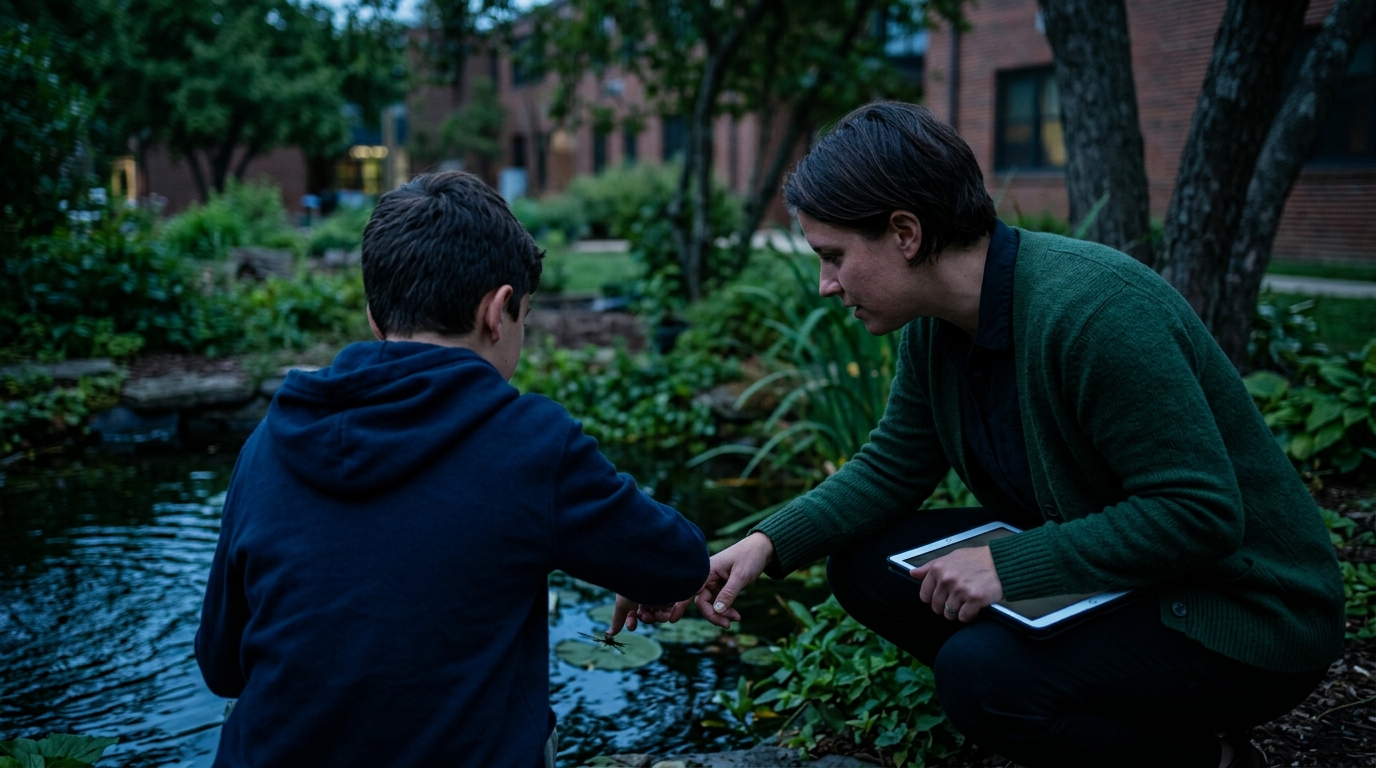

Student data privacy gets harder when an otherwise simple lesson starts with a roster. A teacher may want interactive practice, but the activity should not require names, emails, or student IDs just to let students participate.
For this walkthrough, Ms. Leila Chen is a fictional Grade 7 science teacher preparing a food-web lesson for her class. Her goal is straightforward: students should trace how energy moves through an ecosystem and predict what happens when one population changes. The privacy workflow begins before she generates anything.
Start with the learning goal, not the roster
Leila starts with a lesson brief rather than a list of students. Her planning notes include four items:
- Learning goal: Explain relationships among producers, consumers, and decomposers.
- Activity behavior: Students change one population in an interactive ecosystem and observe the consequences.
- Evidence of learning: Students answer questions about energy flow and justify one prediction.
- Privacy boundary: The activity should not ask students to enter names, emails, student IDs, or personal details.
She then describes that request in plain language to Argraide: create a Grade 7 science activity about food webs, include an interactive ecosystem, ask students to predict what will happen when one species changes, and make the practice auto-graded where appropriate.
That level of detail helps in two ways. It gives the AI a clear instructional job, and it gives Leila something specific to check when the activity is generated. She does not paste her roster into the request or add identifying information to make the activity feel more personalized.
For teachers comparing zero PII EdTech options, this is a useful first question: can students reach the learning task without the service collecting a name, email, or student ID? A privacy-aware workflow begins with the minimum information needed for the lesson, not with every piece of information a school happens to have.
Treat the AI activity as a draft
A generated activity still needs a teacher’s professional review. With Argraide, teachers verify every AI-generated activity before it goes live to students. Leila treats that step as both a curriculum check and a privacy check.
Her review is concrete:
- Check the science. Does changing the rabbit population produce a sensible chain of effects? Are producers, consumers, and decomposers represented accurately?
- Check the auto-grading. Would a student who gives the correct ecological relationship receive credit? Are any questions so narrowly worded that a reasonable answer could be marked wrong?
- Check the student path. Are the directions clear for a Grade 7 reader? Can students tell what to do after each interaction?
- Check the data prompts. Does any screen ask for information unrelated to the food-web objective? If so, Leila does not approve the activity in that form.
- Check the learning value. Does the interaction require students to reason about the system, or are they only clicking through a sequence?
Leila reads each instruction and tests each question before the class sees the activity. This is where a teacher catches problems that a prompt cannot anticipate: an answer choice that is scientifically misleading, a vocabulary term that needs explanation, or a question that invites students to share more about themselves than the lesson requires.
The privacy review belongs beside the answer-key review. An activity can be engaging and accurate while still asking for unnecessary information. Teacher verification keeps the final decision with the person who understands the class, the curriculum, and the school’s expectations.
Make the anonymous student login routine boring
What should students type when an activity needs them to sign in? In Leila’s food-web lesson, the answer does not involve a roster. Argraide students log in with anonymous emoji passwords and randomized usernames. No names, emails, or student IDs are collected.
Leila keeps the classroom routine simple. Before students begin, she explains the learning goal, gives the login directions, and reminds them that their responses should be about the ecosystem. They do not need to add a full name to a response field or introduce themselves inside the activity to show what they know.
That distinction matters. Anonymous student login removes one common source of unnecessary data collection, but it does not remove the need for good classroom instructions. Leila avoids asking students to include personal examples when an answer about the food web will do. If a student needs help, she points them back to the question or the ecosystem model rather than asking them to provide identifying details in the activity.
She also gives students a quiet moment to enter their credentials before discussing the first question. The login step is treated as access, not as part of the assessment. Once the class is working, Leila can focus her teaching on the reasoning she wants to hear: Why did the change in one population affect another? Which evidence supports the prediction?
The same habit is useful beyond this lesson. When reviewing any digital activity, ask whether each requested field serves the learning objective. If it does not, remove it from the instructions or avoid building it into the activity.
Finish with a location and lifecycle check
Privacy is not finished when students reach the first question. Argraide uses a zero-knowledge architecture with client-side encryption, providing a technical layer behind the platform’s privacy design.
Data location is also explicit. Argraide data is siloed in Canada, in AWS Canada Central in Montreal, and never crosses the border. For a school documenting its student data privacy review, those are concrete details to record rather than assumptions to make.
Then there is the class lifecycle. Every class requires an archive date, with a maximum of one year. Leila adds that date to her unit plan when she sets up the food-web class. When the class archives, its students are unregistered.
That date gives the lesson a clear endpoint. It belongs in the same planning checklist as the learning goal, activity review, and student directions. Leila now has a complete sequence: describe the objective without a roster, verify the generated activity, use anonymous access when students begin, and set the class’s archive date.
On launch day, her students can concentrate on the ecosystem rather than account administration. Leila still supplies the teaching judgment: she checks what the AI created, keeps the prompts focused, and decides when the class should close. When you are ready to test this workflow, try a privacy-conscious activity on Argraide.