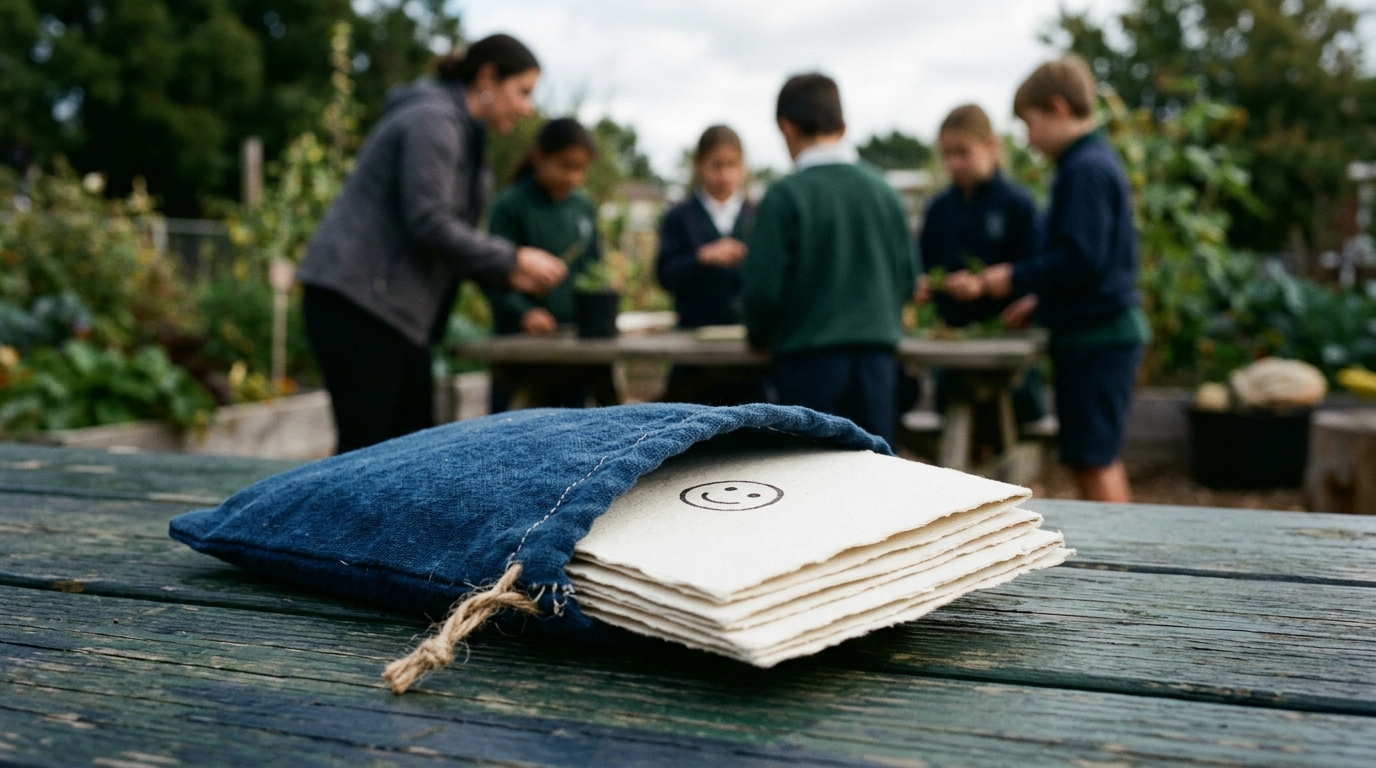

At 8:55 on Monday, a grade 7 geography teacher has a map activity ready and a room full of students waiting to begin. The lesson needs a quick check of climate zones, but the teacher pauses at the login step. Should students type their full names? Would an email address or school ID be required? How long would the class remain active, and where would the information be stored?
Those questions can turn a five-minute warm-up into a student data privacy decision. A practical routine should answer them before students sit down: what information is needed, what students enter, who verifies the activity, where data stays, and when access ends.
Start with the smallest possible classroom record
On Friday afternoon, a grade 4 teacher is preparing a fractions review. The learning goal is clear: students should compare fractions with like and unlike denominators, explain their reasoning, and receive immediate feedback. None of that requires a student’s name, email address, student ID, or personal history.
Before describing the activity, write down only what the lesson needs:
- The grade level and learning objective
- The type of practice students need
- The time available and any reading-level considerations
- What students should be able to demonstrate by the end
A useful activity description might ask for a grade 4 fractions review with visual models, short practice rounds, and auto-graded comparisons. It does not need to mention that one learner is struggling after an absence or that another has a particular support plan. If a misconception matters, describe it generally: include a common error involving equivalent fractions, rather than details about the child who made it.
This is a useful zero PII EdTech habit: describe the instructional need, not the identity of the learner. Keep any classroom-only note you genuinely need in the school-approved place for that information, not in the activity description, title, or student-facing instructions.
The same rule applies to student responses. If a grade 4 writing prompt asks students to explain a real-life example, remind them to use an invented scenario rather than sharing an address, phone number, or family detail. Privacy is easier to maintain when students know what should stay out of a digital activity before they begin.
Make anonymous login a classroom routine
At 1:20 on a Wednesday, a grade 5 math class is starting a multiplication-facts arcade practice. This is the moment when login habits become visible: students are asking for help, partners are watching one another, and someone is likely to suggest putting everyone’s credentials on the board.
In Argraide, students log in with anonymous emoji passwords and randomized usernames. No names, emails, or student IDs are collected. That gives the anonymous student login a straightforward classroom use: students can access the activity without turning the activity account into another version of the school roster.
A few small routines help keep the boundary clear:
- Put general login directions where everyone can see them, but do not project individual emoji passwords or make a public list of credentials.
- Have students enter their own login details rather than calling them out across the room.
- If a student needs help, use a seat or table number in your classroom routine instead of asking the student to type a name into the activity.
- If you keep a temporary classroom note to connect a randomized username with a seat, store it according to school policy and do not copy it into the activity prompt.
Treat an emoji password like any other password. It may be easier for younger students to remember, but it should still be entered privately and not shared with a partner who does not need it. A quick reminder before the grade 5 practice—use your own login, keep the emoji sequence private, and never type personal details into an answer—takes less than a minute.
The goal is not to make students anxious about privacy. It is to give them a repeatable digital citizenship habit while preserving the low-information structure of the login itself.
Use teacher review as a privacy checkpoint
At 10:15 on Tuesday, a grade 8 science teacher wants an interactive activity about food webs. The teacher describes the organisms, the classification task, and the expected learning outcome in plain language. Argraide generates the activity, but the teacher does not send it straight to the class.
Teachers verify every AI-generated activity before it goes live to students. That review is useful for subject accuracy, classroom fit, and student data privacy at the same time.
For the grade 8 food-web activity, a practical review can include:
- Content: Are the relationships between organisms accurate, and does the explanation match what grade 8 students have studied?
- Instructions: Can students understand what to do without adding personal information to complete the task?
- Student-facing text: Does any prompt ask for a full name, email, school ID, or an unnecessary personal story?
- Examples: Are fictional species, locations, or numbers used where a real student detail would add nothing?
- Auto-grading: Do the expected answers match the questions, and is the feedback appropriate for the mistake being tested?
Privacy review should happen alongside the academic review, not as a separate task that gets skipped when the bell is about to ring. If the intended activity is a personal reflection, consider whether students can respond using a fictional character, an imaginary community, or a general opinion instead. The lesson can still assess reasoning without inviting unnecessary disclosure.
This is also where a teacher can catch identifying details accidentally included in the original activity brief. A description such as students in a particular small community researching their own homes may be more specific than the lesson requires. A broader version can preserve the geography or science objective while asking for less context about the learners.
Keep data boundaries visible through the school year
During a September grade 9 social studies planning meeting, a teacher is asked where an online activity’s data is stored. The answer should be precise enough for a school privacy conversation: Argraide uses a zero-knowledge architecture with client-side encryption. Its data is siloed in Canada, in AWS Canada Central in Montreal, and never crosses the border.
For a school comparing zero PII EdTech options, these are practical questions to include in a review checklist:
- Does the student login require a name, email, or student ID?
- What architecture and encryption approach does the platform use?
- Where is the data stored, and does it cross a national border?
- How long does a class remain active?
- What happens to student access when the class reaches its end date?
The location and architecture answers do not replace a school or district’s own policy review. They do give teachers concrete information to bring to that conversation instead of making assumptions about where student data travels.
The class lifecycle matters too. At the end of June, a grade 3 teacher finishes a reading comprehension unit and no longer needs that class to remain open. Argraide classes require an archive date, with a maximum period of one year. Choose a date that matches the course or term plan, add it to the teacher’s calendar, and review upcoming access before the date arrives.
When a class archives, its students are unregistered. That makes the archive date a useful access boundary. It should not be described as a blanket deletion of every record; if your school has retention requirements, check those separately and follow the approved process for anything that must be kept.
For each activity, the routine is short: describe only the learning need, use the anonymous emoji login, verify the AI-generated activity, confirm the data boundary, and give the class a clear end date. When you have a small, low-stakes lesson ready, you can try it on Argraide using this privacy-first routine.