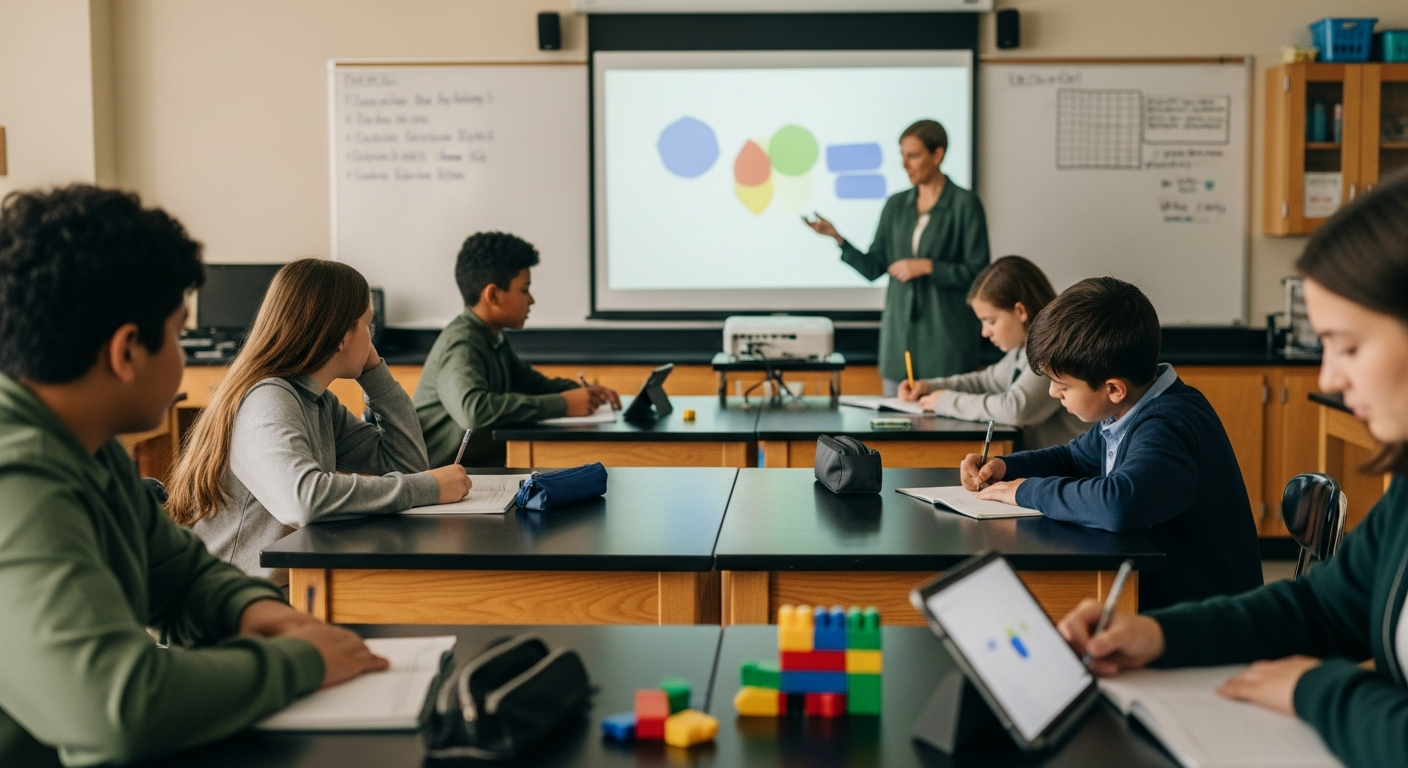

By 2:10 on a Friday afternoon, a grade 4 teacher may be reviewing fractions while some students need another example, others are ready for a challenge, and the class still needs a shared wrap-up. The problem is not finding one more activity. It is deciding how students should meet it in this particular moment: alone, with room to test ideas, or together around one screen.
Argraide has three classroom activity modes for those different moments: Assignment, Sandbox, and Teacher-Led. The practical choice starts with the learning purpose, not the label. Do you need individual evidence, low-stakes exploration, or a conversation led from the front of the room?
1. Assignment mode: when each student needs practice
Picture a grade 5 math class on Tuesday morning, ten minutes after a mini-lesson on comparing fractions. You want every student to work through the practice, including the quiet students who rarely volunteer an answer. You also want a useful view of progress before the next small-group rotation.
This is a good moment for an auto-graded assignment. Assignment mode is solo and auto-graded, with each student's progress tracked on the teacher dashboard in real time.
Start by telling students what the work is for: individual practice on one skill, not a race to finish. Give them a short working window and circulate while they work. You can use the dashboard's real-time progress view to decide where to spend your attention. If one student has barely moved, check in privately. If several students are at a similar point, note that for the next mini-lesson. Keep the interpretation modest: progress is a signal for your next teaching move, not a replacement for listening to students explain their thinking.
Leave two or three minutes for a close. Ask students to write one strategy they used, or invite a few to explain a comparison at the board. The independent run gives you individual practice; the short discussion keeps the lesson from ending with silent completion.
A common pitfall is using Assignment mode for a first encounter with a difficult idea. If students need to argue about why two fractions are equivalent, discussion may need to come before individual practice. Use the mode when you want students working on their own and you need the dashboard view to inform what happens next.
2. Sandbox mode: when the goal is to notice and test
Imagine a grade 7 science class at 1:40 p.m. beginning a unit on forces and motion. Before introducing formal vocabulary, you want students to notice what changes when they alter a condition in an interactive simulation. A little uncertainty is useful here; students should have something to explain when the class regroups.
Set a simple investigation prompt: What can you change, what stays the same, and what do you notice? Give students a few minutes to explore, then add a more focused challenge. Ask them to record an observation, a prediction, and one question in their notebooks. Pairs can compare observations, but each student should be ready to describe one finding.
Sandbox mode lets students explore an activity without any tracking or grading. Say that before they begin so the purpose is clear. This is a place for trying a path, revising an idea, and talking through what happened—not a hidden test. Since the activity itself is not tracking or grading their exploration, collect any evidence you need in a notebook, on a whiteboard, or through the closing conversation.
The main pitfall is giving students unlimited freedom without a reason to look closely. A short prompt, a time check, and a final question provide enough structure without turning exploration into a worksheet. Sandbox is especially useful for a lesson launch, a phenomenon students need to investigate, or a review where curiosity matters more than a recorded result.
3. Teacher-Led mode: when the class needs one shared pace
Consider a grade 3 science class just after recess, learning about the water cycle. You have eight minutes to build a common picture before students move into a drawing and writing task. Some students have devices available, but setting them all up would cost most of the lesson.
Teacher-Led mode runs the whole activity from one projector screen with no student devices needed. That makes it a practical choice for a teacher led activity: the class watches the same moment, hears the same question, and has time to explain an answer before you continue.
Keep the room active by using a predict–observe–explain rhythm. Before showing the next part, ask students to make a quick prediction with a partner. Have them show an answer on mini-whiteboards or with a hand signal, then ask two students to explain their choices. After the shared screen advances, ask what they noticed and connect the result to the water-cycle vocabulary on your board.
This mode works well for a lesson opening, a review before an assessment, or a day when student devices are unavailable. It can also help when a class needs one carefully paced explanation rather than several separate working speeds. The pitfall is allowing the projector to become a passive screen. Plan the questions, turn-and-talks, and physical responses before class so students have a job during every pause.
Choose the mode by the learning moment
Take a grade 6 science unit on ecosystems. On Monday morning, use Teacher-Led mode to introduce a food-web scenario to the whole class from one projector screen. On Wednesday, use Sandbox mode for students to explore what happens when one part of the system changes, with observations captured in notebooks and discussed in pairs. On Friday, use Assignment mode for a solo, auto-graded check, then look at each student's progress on the teacher dashboard in real time before planning the next review.
The three classroom activity modes serve different kinds of classroom work:
- Assignment: students work solo, the activity is auto-graded, and progress is tracked on the teacher dashboard in real time.
- Sandbox: students explore without tracking or grading, so the teacher should plan another place for observations or discussion.
- Teacher-Led: the whole activity runs from one projector screen, and students do not need individual devices.
Before choosing, ask three questions:
- Does every student need to produce individual practice evidence right now?
- Would students learn more by testing an idea without a grade attached?
- Does the class need a shared explanation, shared pace, or device-free start?
Then make the expectation visible. A grade 4 student should know whether Friday's fractions activity counts as individual practice or is a chance to try strategies. A grade 7 student should know what observation to bring back from an ungraded exploration. A grade 3 student should know when to predict, discuss, and respond during the projector-led activity. The mode works best when the classroom routine around it is just as clear as the choice itself.
When you have a lesson in mind, try choosing its mode and running it on Argraide.