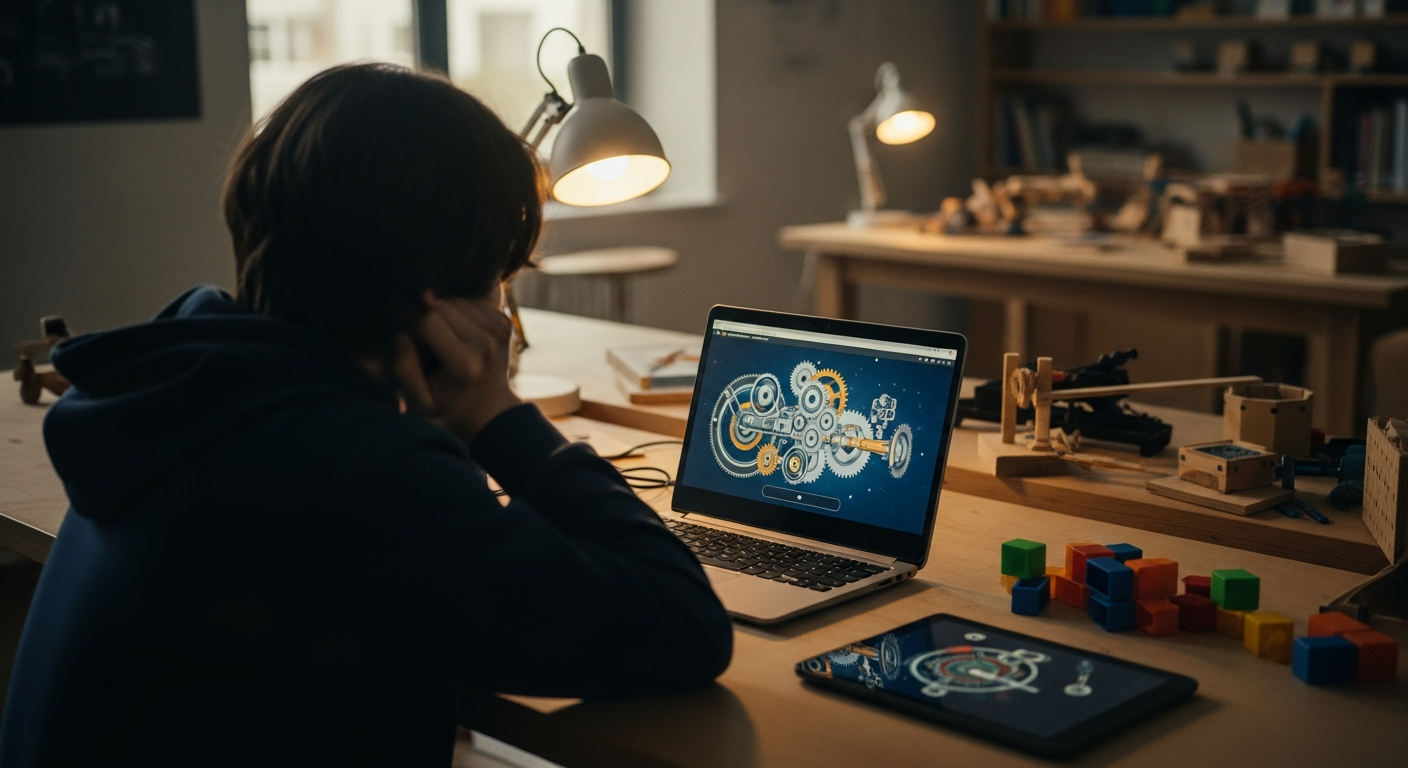

Walk into any middle school classroom, and you will inevitably find them: stacks of thin, lightweight laptops, often covered in stickers, tethered to the charging cart. For years, the narrative surrounding these devices has been one of limitation. We hear teachers lamenting that their students cannot run heavy creative suites, or that the hardware feels like a 'glorified web browser.' The assumption is that to reach the upper echelons of Bloom’s Taxonomy—the levels of creation, evaluation, and synthesis—students need high-end workstations capable of rendering 3D environments or editing high-bitrate video.
This perspective is not just outdated; it is a fundamental misunderstanding of what makes technology transformative in a classroom. The bottleneck for student achievement is rarely the clock speed of a processor; it is the quality of the pedagogical design. When we shift our focus from the hardware specs to the cognitive load of the activity, we realize that low-end device learning is not a barrier to excellence, but a constraint that forces us to prioritize what actually matters: authentic student engagement and mastery.
Myth 1: Complex 3D Simulations Require High-End Hardware
The most pervasive myth in modern classrooms is that 'rich' educational experiences are synonymous with 'graphically intensive' experiences. We have been conditioned to believe that if a student isn't interacting with a photorealistic, GPU-melting simulation, they aren't engaging in deep learning. This leads to a frantic search for software that demands more from the hardware than is necessary for the lesson goals.
The reality is that the most effective simulations rely on clear logic, interactive variables, and rapid feedback loops—none of which require a dedicated graphics card. Web-based education has evolved to leverage WebGL and WASM (WebAssembly), which allow for sophisticated, 3D explorations to run perfectly within a standard browser window. Whether it is a physics engine simulating orbital mechanics or an interactive model of the human circulatory system, these tools can run smoothly on a basic Chromebook because they prioritize mathematical accuracy and interactivity over cinematic fidelity. When we strip away the need for high-end rendering, we allow the student to focus on the phenomenon being studied rather than the machine running it.
Prioritizing Conceptual Depth over Graphical Fidelity
When designing or selecting activities, look for 'low-floor, high-ceiling' experiences. A simulation should allow a student to quickly grasp the basics of a system while offering complex variables that reward deep inquiry. If a tool feels like it is stuttering or struggling to load on a Chromebook, it is often because it was poorly optimized for the web, not because the hardware is insufficient. By focusing on browser-native tools that utilize efficient code, teachers can provide students with immersive environments that challenge their understanding without ever hitting a hardware wall.
Myth 2: Interactive Games are Just 'Digital Drill' Under Another Name
There is a common misconception that web-based gamification is inherently superficial—a digital veneer applied to traditional rote memorization. This stems from a decade of 'edutainment' that relied on speed-based anxiety and simple, repetitive quizzes. Critics often argue that if you are using a low-end device, you are essentially relegated to playing 'drill-and-kill' games that reward how fast a student can click an answer, rather than how well they understand the concept.
This is a failure of application, not a limitation of the platform. Mastery-based gamification, when executed correctly, is the antithesis of rote drill. Instead of rewarding speed, a well-designed game or simulation rewards the student for testing hypotheses, navigating failure, and building a mental model of the subject matter. For example, a student learning about historical ecosystems should not be answering multiple-choice questions about dates; they should be managing the variables of a pond ecosystem in a web-based game, observing how changes in one factor impact the entire balance. This requires real-time, browser-based processing, which Chromebooks handle with ease. This approach aligns with the principles of scaffolding and the zone of proximal development, where the technology adapts to provide the 'just-right' challenge that builds mastery over time.
The Shift from Speed to Understanding
Effective digital games should encourage students to slow down. If a student is racing against a timer, their brain is prioritizing reaction time over information processing. By removing the ticking clock and replacing it with open-ended problem solving, we transform the Chromebook from a testing station into a sandbox. This shift is critical for inclusive learning, as it removes the anxiety that disproportionately affects students who may need more time to process complex information, ensuring that the technology facilitates rather than hinders their growth.
Myth 3: Web-Based Tools Lack the Depth of Installed Software
Many educators hold onto the belief that 'real' professional or academic work requires locally installed, high-performance software. They worry that web-based education is a compromise, a 'lite' version of the tools professionals use. This thinking ignores the massive architectural shift that has taken place in cloud computing over the last several years.
Today, the browser is the primary interface for almost every professional workflow, from collaborative coding environments to data visualization platforms. We are no longer limited to basic text entry or simple spreadsheets. Modern web technologies allow students to perform complex data analysis, write and execute code in collaborative environments, and design sophisticated models, all within a standard browser window. The Chromebook is essentially a gateway to a global network of computing power. When a student uses a browser to access an interactive educational module, the heavy lifting of data processing often happens on a server, not on their specific laptop. This 'thin client' model is not a limitation; it is an equalizer that allows a student in a rural classroom to access the same high-level computational tools as a student in a tech-heavy urban center.
How to leverage cloud-native learning
To make the most of this, educators should prioritize cloud-native applications that allow for peer-to-peer collaboration. When students work on a shared simulation or a collaborative document, the 'work' isn't just about the content—it is about the synthesis of ideas in real time. This is where web-based education truly shines. By utilizing these tools, we move away from the isolated 'student-at-a-screen' model and toward a 'community of learners' model, where the device acts as the bridge between individuals, regardless of the individual student's machine specs.
Redefining the Classroom Role of the Chromebook
If the hardware is not the limit, then what is? The challenge now lies in the curatorial and design skills of the educator. We must transition from selecting software based on its 'cool factor' or its superficial bells and whistles to selecting tools that provide meaningful, feedback-rich environments. The Chromebook is an excellent tool for this, provided we understand its role as a portal to high-quality pedagogical interactions.
We must also acknowledge that technology is not a universal panacea. There will always be a place for pencil and paper, for physical manipulatives, and for direct, Socratic discussion. The goal of using Chromebooks in education should not be to digitize every moment of the school day, but to use them where they provide a unique value-add: in simulating complex systems, in providing immediate, evidence-based feedback on student progress, and in connecting students to a wider world of information.
Actionable Steps for This Week
- Audit your current digital tools: Look at the software your class uses most. Does it reward speed, or does it reward deep exploration? If it is the former, consider replacing one activity with a more open-ended, inquiry-based simulation.
- Leverage the cloud: Shift your students from local files to collaborative, web-based workspaces. Encourage them to use the browser to find and critique data, rather than just consuming provided content.
- Simplify the UI: If a tool feels cluttered on a small screen, hide the unnecessary UI elements. Focus the lesson on the core interaction, keeping the student's cognitive load focused on the learning objective, not the navigation.
The future of education is not about the raw power of the devices on our desks. It is about the power of the experiences we build through those devices. When we stop viewing Chromebooks as underpowered laptops and start seeing them as high-bandwidth portals for complex, guided inquiry, we stop being limited by our hardware and start being defined by our pedagogy. This is the real promise of EdTech—not more processing power, but more meaningful engagement.